
gaming.tools Companion
Live maps, overlays, inventory views, tracking, and game-specific tools for Dune: Awakening, Palia, Palworld, and Valheim.
Windows only. Free with ads. One installer for all supported games.
Supported games
Each workspace uses the same launcher but provides features specific to that game.
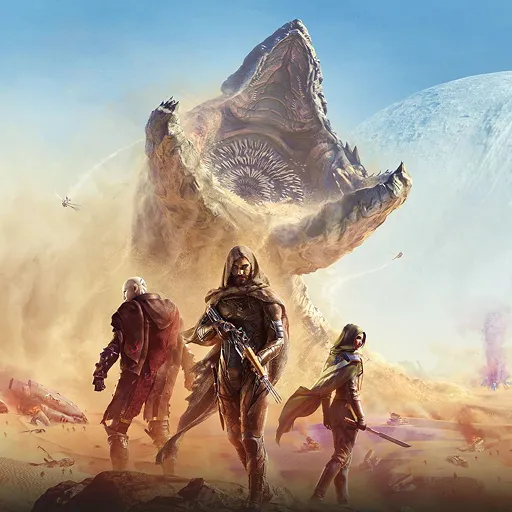
Dune: Awakening
Live map, overlay, bases, Landsraad, and recipe tracking
Palia
Villagers, inventory, housing, quests, and live stats

Palworld
Live Pal tracking, breeding planner, Paldeck, storage, and a customizable overlay
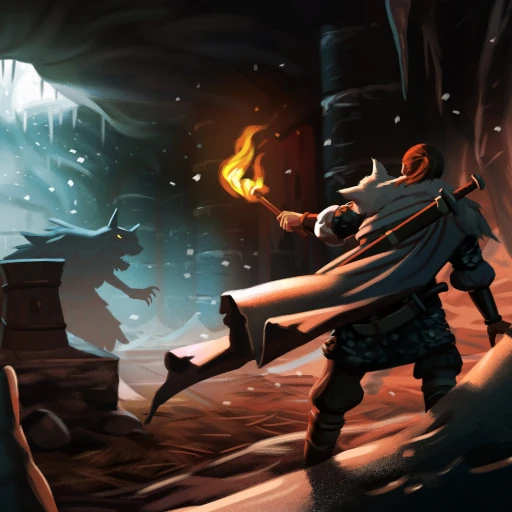
Valheim
Live map, customizable overlay, and farm mode
How it works
Three steps from download to a live workspace.
- 1 Install
Download and install the shared Windows Companion.
- 2 Select a game
Open the workspace for your game.
- 3 Start playing
The live views and the optional overlay become available.
Included in the launcher
Shared across every supported game.
- Automatic update checks
- Game-specific workspaces
- Optional in-game overlays
- Cloud settings where supported
- gaming.tools account integration
- Ad-free entitlement support
Common questions
For setup help, bug reports, or feature requests, use the gaming.tools Discord.
What is the gaming.tools Companion? +
A Windows desktop companion that runs alongside supported games and presents live, game-specific information in focused workspaces and overlays.
Which games are supported? +
Dune: Awakening, Palia, Palworld, and Valheim are currently supported. More games will be added over time, each with its own tools and feature set.
Is it free? +
Yes. The Companion is free to download and use, with ads supporting its ongoing development.
Does every game get the same features? +
No. The shared app shell stays familiar, but each workspace is designed around what is useful in that game.
Where can I get help or share feedback? +
Join the gaming.tools Discord to report an issue, suggest a feature, or talk directly with the community.
Ready to play with the Companion?
Download the installer once and every supported game workspace comes with it.
Download for Windows